Built for macOS
RSync Pro.Syncs only what changed.
RSync Pro drives real rsync from a Mac window, with the flags, exclude patterns and per-run logs you would expect at the command line. A profile syncs two folders on the Mac, or reaches a folder on your own server over SSH.


Free to download and run one sync profile. A one-time $19.99 unlock removes the limit — no subscription, no account.
The Mac download is a notarized app that updates itself, unlocked with a $19.90 licence. It keeps its sync profiles separately from the App Store version.
Features
Live sync, local or over SSH
Syncs the moment you save
Turn on live sync and the app watches the source folder, then syncs a moment after anything changes — no button, no schedule to wait for. An FSEvents watcher passes just the changed paths to rsync via --files-from, so a save inside a large working folder syncs without a full-tree scan.
A second disk, or your own server
A profile can sync two folders on the Mac: a working folder to an external disk. It can also reach a folder on your own SSH host — a NAS, a VPS, another Mac. Nothing passes through a third-party service on the way.
Verified on arrival
At the end of each transfer, rsync checks that the file arrived intact. That check is part of the protocol, not an option you have to switch on.
SSH keys without the Terminal
Generate an ed25519 key in the app, copy the public half to install on the remote host, and assign a different key per profile. Bonjour lists SSH hosts on the local network, so there are no addresses to type.
Schedules, bandwidth limits, resumed transfers
Run daily, weekly, or every N minutes. Cap the bandwidth with --bwlimit so a large transfer does not take over the connection. An interrupted multi-gigabyte transfer resumes where it stopped, with --partial.
openrsync inside, nothing to install
openrsync is the engine macOS itself moved to, and the app carries its own copy. Nothing has to be installed first — no Terminal step, no Homebrew. The app runs in the macOS sandbox, reaching only the folders you pick. Localized in English, Hebrew, German, Japanese and Simplified Chinese.
Demos
Local, remote, and scheduled sync
Screenshots
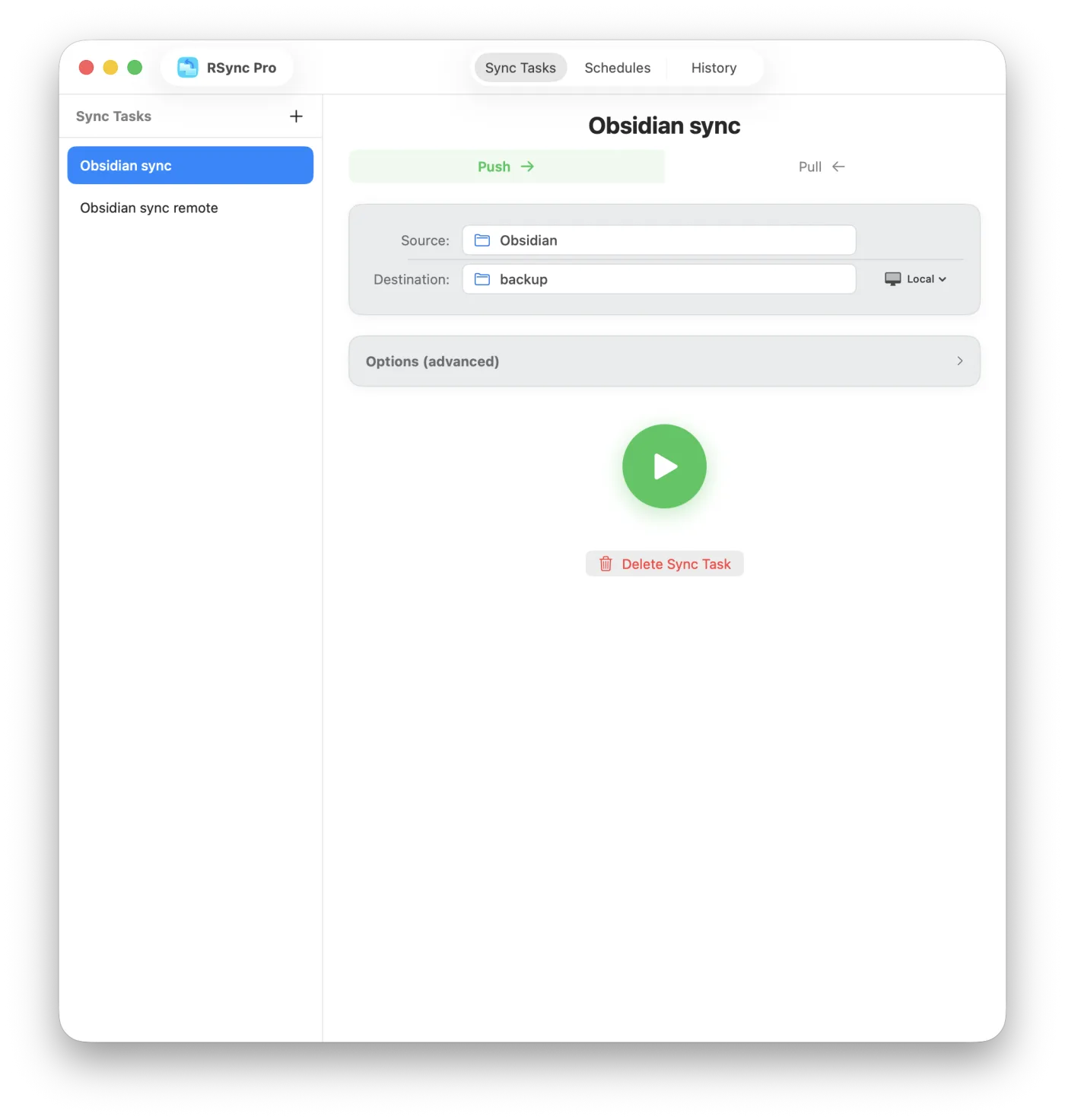
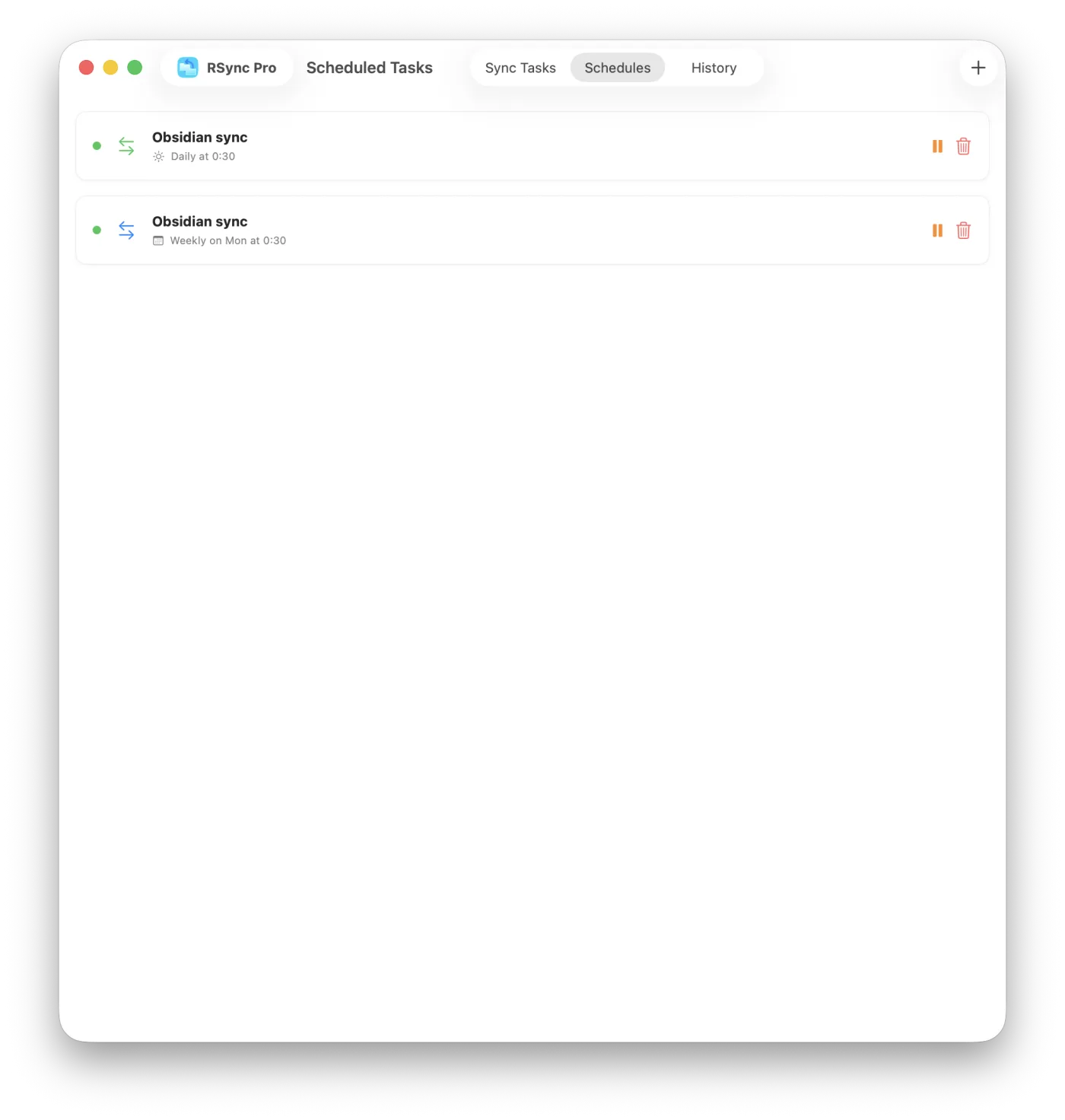
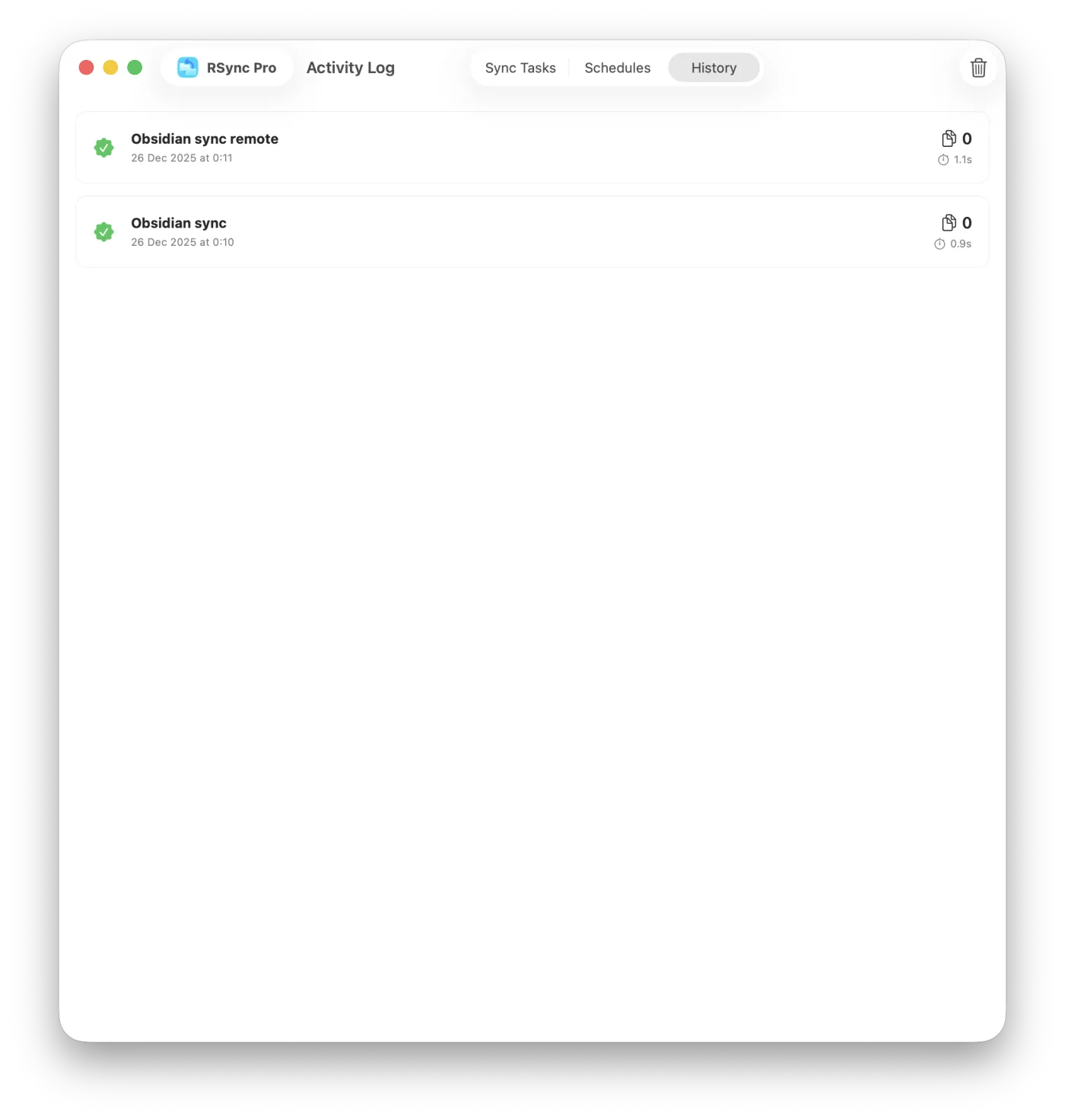
The main screens
Setup
Four steps to your first sync
-
Quick access
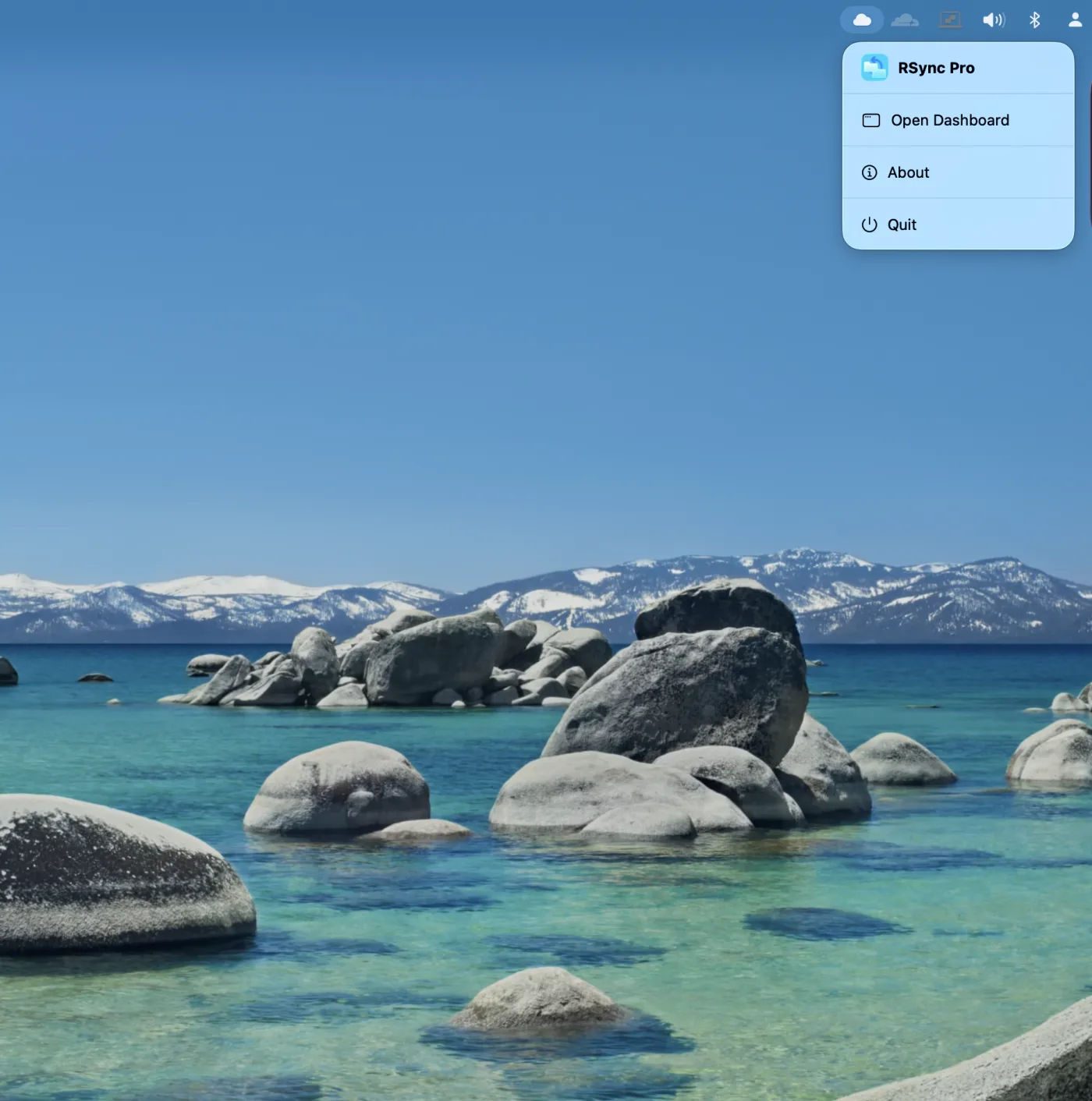
Click the RSync Pro icon in the menu bar and open the dashboard.
-
Create a sync profile
Add a profile, pick the source and destination folders, and choose push or pull. For a remote target, enter the SSH host or pick one Bonjour found.
-
Set the options you need
Exclude patterns, a bandwidth limit, mirror mode to delete extras at the destination, or a dry run to see what would happen first.
-
Run or schedule
Run it manually, turn on live auto-sync, or open Schedules for daily, weekly or every-N-minutes runs.
More from BD TECH
Three more Mac utilities from the same desk
The developer behind RSync Pro makes a handful of narrow Mac apps. These are the ones that tend to end up on the same machine.
-

Voynich
macOS · iOSEncrypts a file or a folder where it sits, into an AES-256-GCM container under the same name — so what you are about to copy to a second disk travels already sealed. Behind Touch ID, no account, and a documented format that opens without the app.
Mac App Store -

Snippet
macOS · iOSThe text you send over and over, on a keyboard you can reach inside any app and in the Mac menu bar. Templates fill their own fields from a message you select.
Mac App Store -

TabBar
macOSA tab bar for Word, Excel and PowerPoint on the Mac, so a dozen open documents stop being a dozen windows.
tabbar.io
Support
Questions, feedback, or help getting set up
Email reaches the developer directly.
support@bdtech.app